
Backstage (2008)
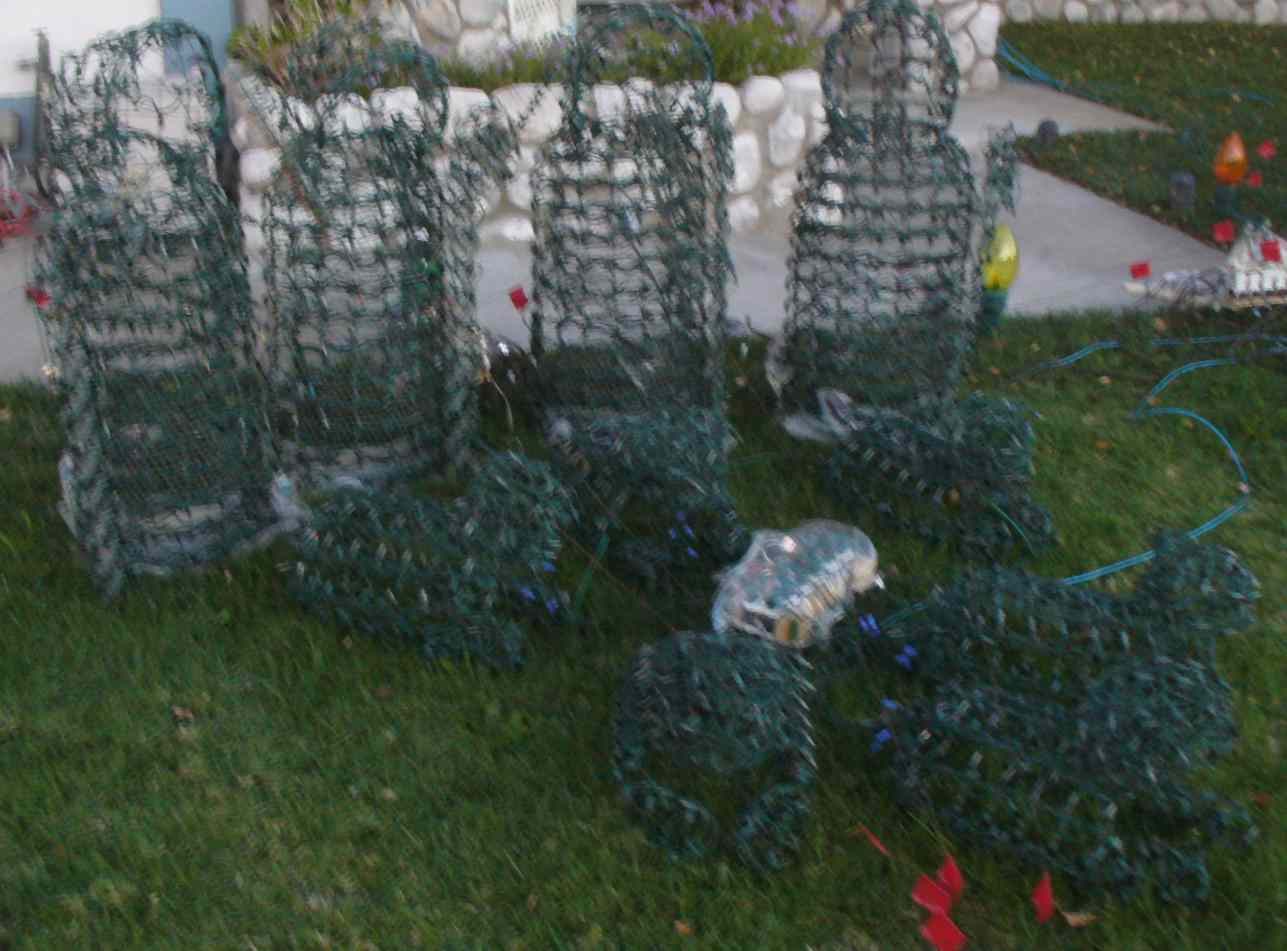
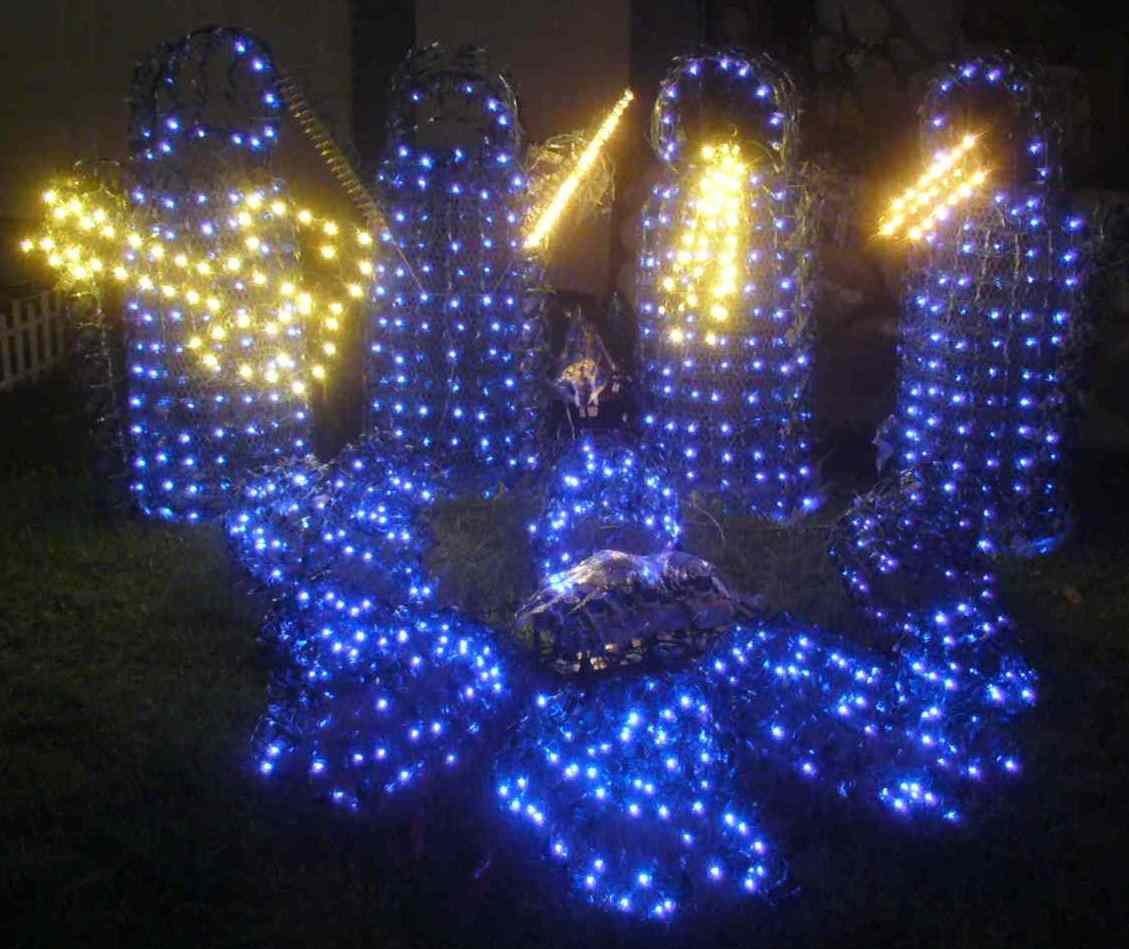
The scene behind the scene
A lot of effort and technology goes into our show. Below is a short "guided tour", giving an overview of the whole process as it was in 2008, with links near the bottom to web sites with more detailed information.
The process is actually fairly simple (if you ignore all the details). It goes like this:
FM radio ← FM transmitter ← computer + software → controller → individual circuits → lights
Computer and software
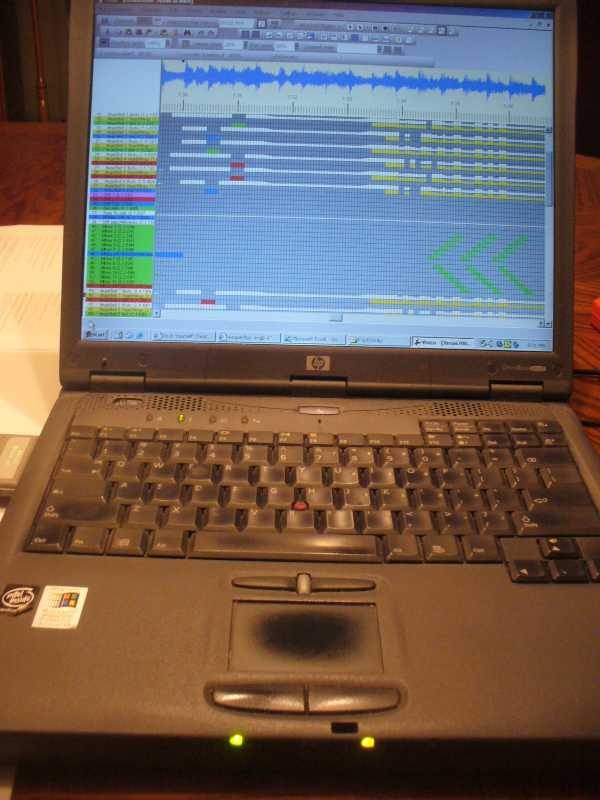
First, we start with a computer. The one used for the 2008 eShepherds of Light show was an old 600 MHz P3 notebook PC with 256 MB RAM, nothing fancy. Any reasonably recent machine will work. This machine ran Microsoft Windows and some freely available software called Vixen.
Vixen allows a light show to be synced to music. It has an easy-to-use visual interface for choreographing the show, and then it allows the show to be played back later, unattended.
Controller
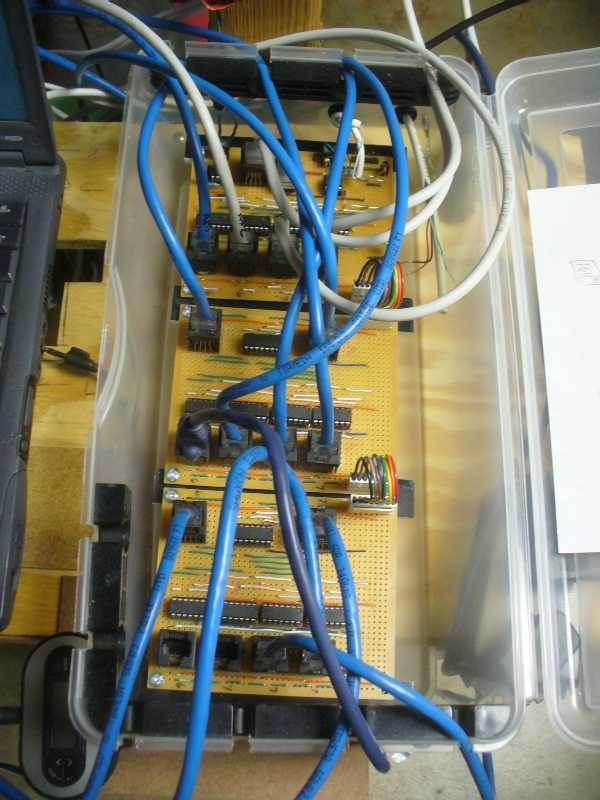
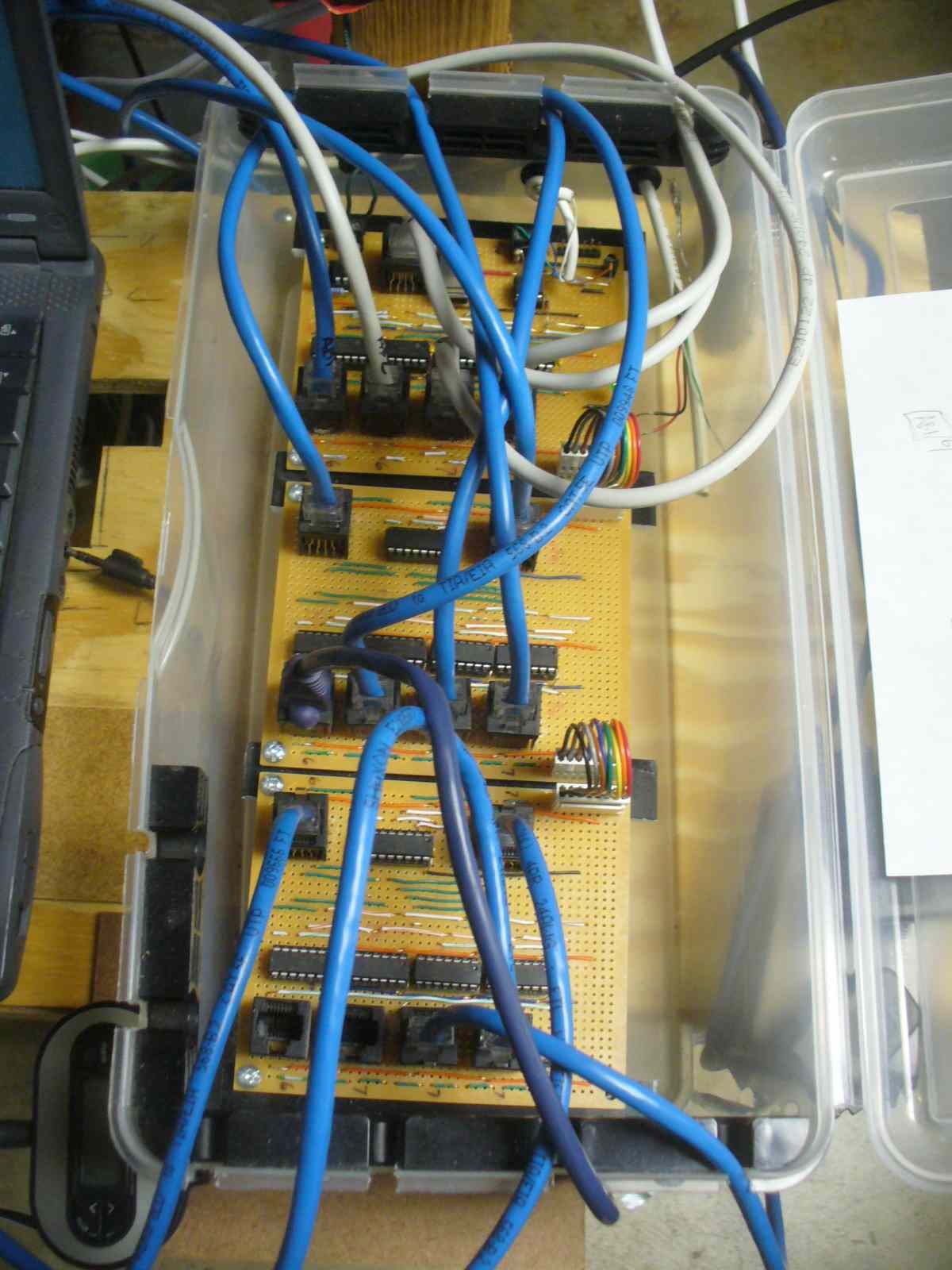
The controller is connected to the computer, and listens to commands that are sent to it by Vixen during the show. These commands tell the controller to turn the lights on and off, dim them, etc. – this is called the "sequence".
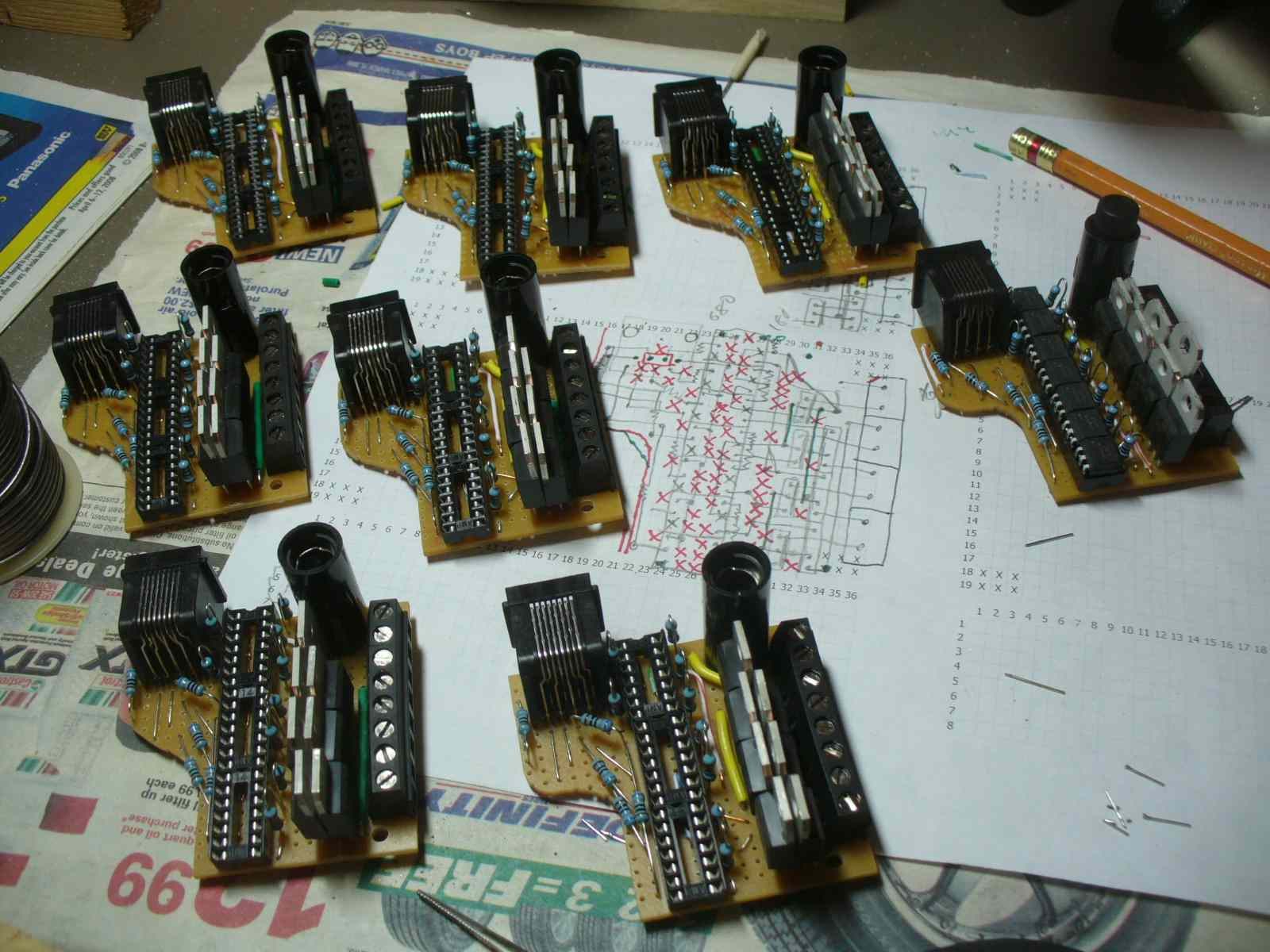
There are many different kinds of controllers, from off-the-shelf, ready-to-run controllers to build-it-yourself. The controller for the eShepherds of Light show was a home-built Renard controller, connected to the computer using a COM port. It cost about 1/10th of what an off-the-shelf controller would have cost. To learn more about building your own controller, or about controllers in general, there is a great web site: DoItYourselfChristmas.com.
FM transmitter
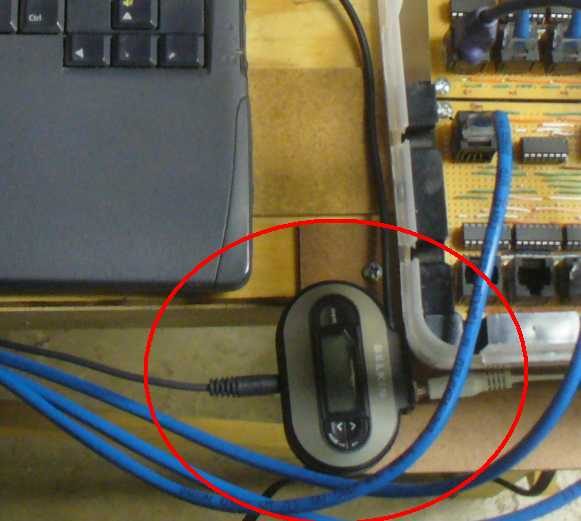
The eShepherds computer was also connected to a low-power FM transmitter. The Vixen software plays MP3 songs using the computer's sound card while it sends out lighting commands, so they are perfectly synced. The sound was then fed to an FM transmitter, which allowed nearby FM radios to listen to the sound on an unused frequency.
As with the controllers, there are many different kinds of FM transmitters. Again, you can buy one ready-made, or build one yourself from a kit. For more on connecting an FM transmitter to a computer light show, visit DoItYourselfChristmas.com.
Control circuits
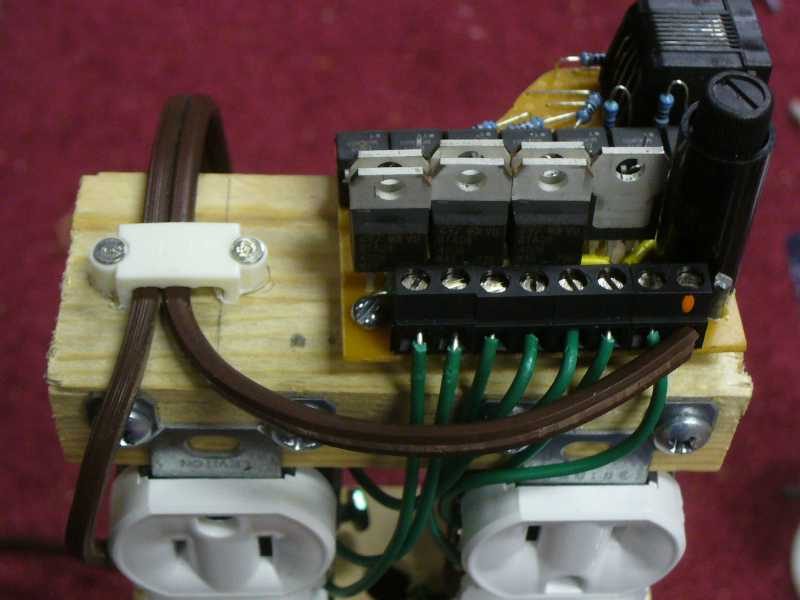
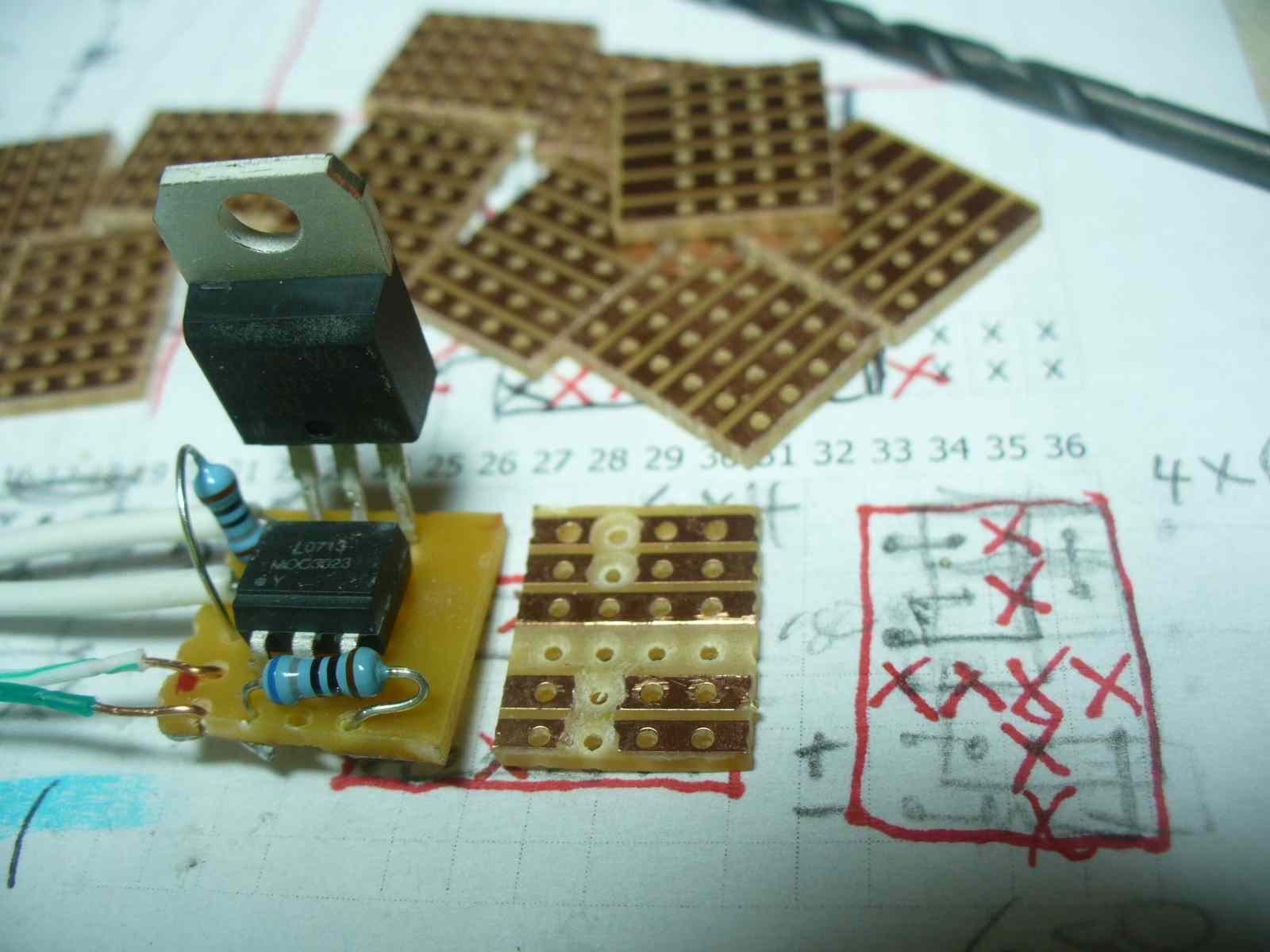
After receiving commands from the computer, the controller sends out the commands to individual lighting control circuits, connected to the controller via regular Cat5 cables. There are basically 2 types of control circuits: relays and SSRs (solid state relays). The eShepherds of Light show used both types.
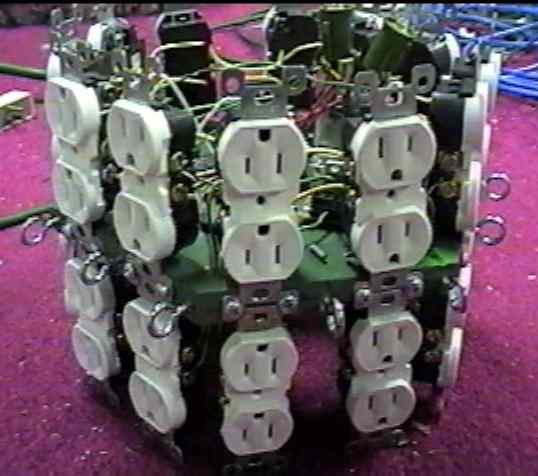
SSRs are like the light dimmer controls you commonly find in your home, and use the same type of parts. Computerized light shows can use anywhere from a handful of these up to hundreds or even thousands. The eShepherds of Light Christmas 2008 show used 112 of them.
As with the controller itself, pre-assembled SSRs can be bought and used, or you can build them yourself for about 1/10th of the cost. The eShepherds of Light SSRs were all home-built. For schematics, parts lists and assembly manuals, visit DoItYourselfChristmas.com.
Lights
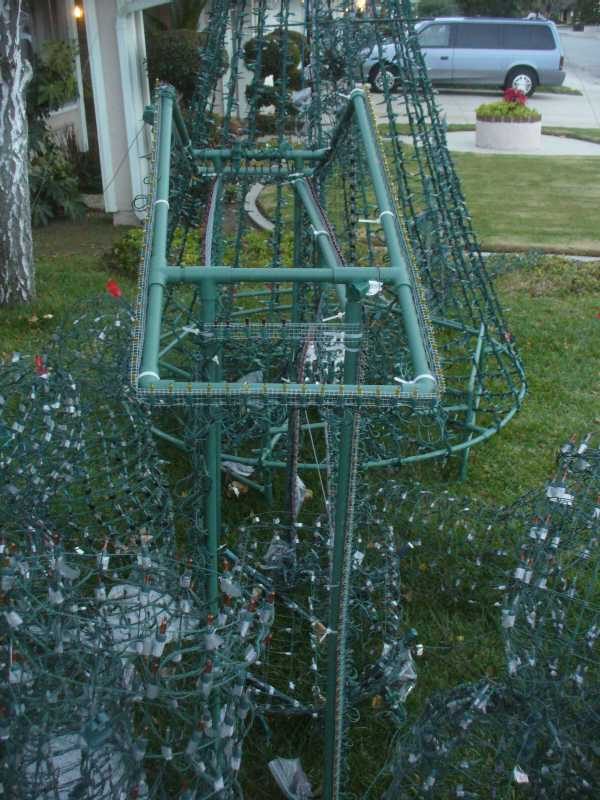
Then, of course, there are the lights. Many different types of lights can be used, including mini-light strings, C7 or C9 strings, LED strings, rope light, flood lights – just about any type of light. Some Christmas light displays use 100,000s of lights.
The eShepherds of Light Christmas 2008 show used approximately 18,000 lights, with most props containing 150 – 350 lights each. The smallest props were only a single C7 bulb. The largest prop, the tree, contained about 5,000 lights. Regular extension cords were used to connect to the SSR outlets (which were usually grouped into clusters). We mostly used mini-light strings, like you find in many stores around town near Christmas, due to their low cost and moderate brightness. In general, LEDs use much less power, but for the type of show we ran, the power consumption was not significant (about $15 for the entire season).
More 2008 tech photos
And step by step: Building the Mega-Tree.
More information
For more about the software used in our 2008 show, visit VixenLights.com. For info about controllers, sequencing tips, or other info about putting on your own Christmas light show, go to DoItYourselfChristmas.com. If you've ever thought about doing a Christmas light display synced to music but were not sure where to start, the DIYC forums are an excellent source of detailed information and helpful people!